
Table of Contents
- Why Understanding Your Broker’s Money Flow Matters
- QuoMarkets Deposit Methods
- QuoMarkets Withdrawal Methods
- A Few Habits That Make Funding Smoother
- Customer Support
- Conclusion
- FAQs
Why Understanding Your Broker’s Money Flow Matters
Getting comfortable with how your broker handles money is one of those things traders often overlook until it actually matters. QuoMarkets gives you a decent range of options – cards, bank transfers, local payment methods, e-wallets, and crypto – though what’s available to you depends on where you’re based and which method you pick.
QuoMarkets processes withdrawals in accordance with its Money In Money Out (MIMO) Policy, which generally requires funds to be returned to the original payment method in line with applicable anti-money laundering (AML) requirements.
QuoMarkets Deposit Methods
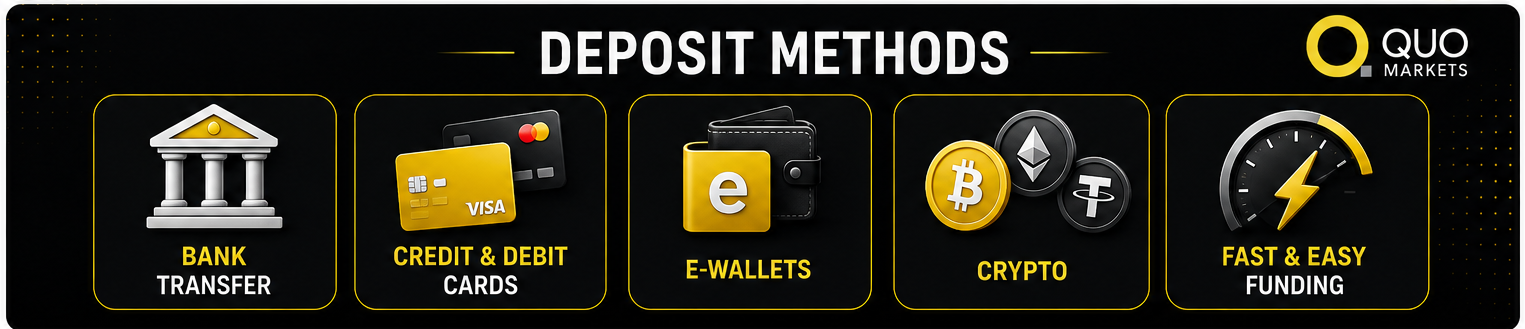
Funding your account comes down to picking whatever works best for you right now. The platform takes bank transfers, credit and debit cards, e-wallets, crypto and Apple Pay (available only on MacBooks or iOS devices). Processing times, availability, and any applicable funding requirements depend on the selected payment method and your country of residence.
Bank Transfers
Bank transfers are the go-to for anyone moving a larger amount. They’re secure and reliable, just not the speediest. Processing times for bank transfers vary depending on your bank, payment provider, and country of residence.
To get started, log into your QuoMarkets dashboard, head to the funding section, pick bank transfer, and grab the payment details the platform generates for you. Then complete the transfer through your bank, online, or in person.
Card Deposits
If you want to start trading as soon as possible, card deposits are your best option. Visa and Mastercard are accepted where available, with processing times depending on your payment provider and region. Any applicable funding requirements are displayed in your QuoMarkets client portal before payment is confirmed.
Go to the deposit section, select credit or debit card, put in your details and the amount, and confirm. That’s it. One thing worth doing beforehand – check with your bank about any international transaction limits or fees they might apply, so nothing catches you off guard.
E-Wallet Deposits
E-wallets sit nicely between cards and bank transfers – fast, easy, and you’re keeping your trading funds separate from your main accounts. QuoMarkets supports several popular options, and deposits typically go through instantly with the same low minimums as cards.
Pick your e-wallet from the deposit screen, enter the amount, and you’ll be taken to your e-wallet account to approve the payment. Once you do, the funds are in your balance right away.
Crypto Deposits
For traders who prefer using digital assets, crypto funding is available. Processing depends on the blockchain and how congested the network is at that moment, but once the required confirmations go through, it tends to be fairly quick. Any applicable funding requirements are displayed during the deposit process.
Select the crypto option, choose your currency, and copy the wallet address QuoMarkets provides. Then send the funds from your external wallet to that address. Double-check everything before you send – getting the currency or address wrong creates problems that are very hard to undo.
QuoMarkets Withdrawal Methods
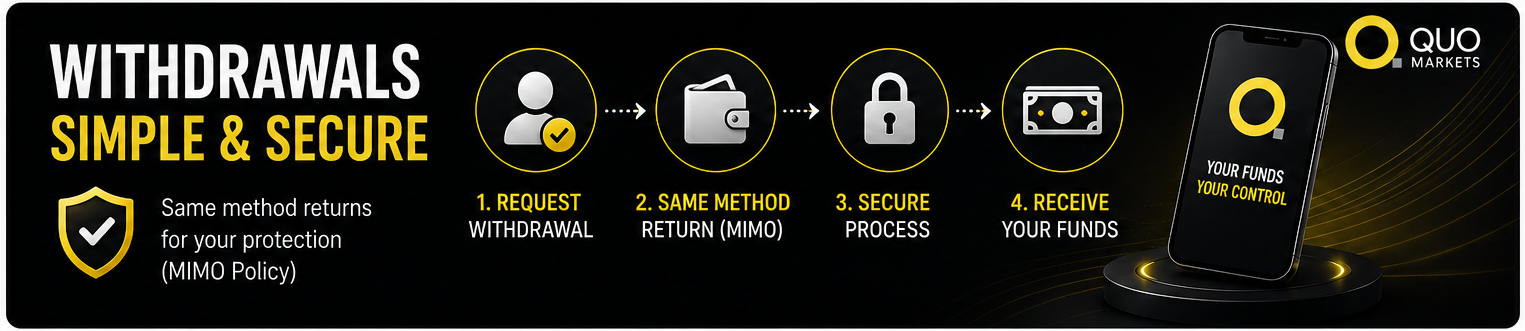
Withdrawals follow a clear, security-first process. Whether you’re pulling out profits or your original capital, QuoMarkets handles it with the same care as deposits, and the steps are consistent regardless of how much you’re taking out.
How to Request a Withdrawal
Head back to the funding section of your dashboard, choose the withdrawal option, select your method, enter the amount, and submit. Clean and simple.
One rule that applies across the board: you withdraw through the same method you used to deposit. This requirement helps QuoMarkets comply with applicable anti-money laundering (AML) regulations and client fund protection procedures. Where multiple payment methods have been used, withdrawals are generally processed in accordance with QuoMarkets’ Money In Money Out (MIMO) Policy. If your original payment method is no longer accessible, reach out to support, and they’ll walk you through the alternatives, which will likely involve some extra verification steps.
Fees and Currency Conversion
QuoMarkets displays any applicable fees before you confirm a withdrawal, so you’ll always know what to expect on their end. Your bank, card issuer, or e-wallet provider might have their own receiving fees, so it’s worth a quick check there too.
If your trading account is in a different currency from your withdrawal method, currency conversion fees may apply depending on your payment provider and the currencies involved in the transaction.
A Few Habits That Make Funding Smoother
The biggest one: complete your KYC verification when you open your account, well before you plan to make a withdrawal. It removes a potential delay at exactly the moment you want things to move fast.
Keep your payment details current in your profile. A closed bank account or an expired card means your withdrawal has nowhere to go, and sorting that out takes time.
Pay attention to timing. Processing times may be affected by weekends, public holidays, and the operating schedules of banks and payment providers. If there’s a date you need the funds by, give yourself more runway than you think you need.
Customer Support
Questions come up: a deposit that’s taking longer than expected, uncertainty about which withdrawal method applies to your situation, or something that just doesn’t look right. QuoMarkets’ support team handles funding queries through live chat and email.
If you need assistance with a funding transaction, you can contact the QuoMarkets support team through the support channels available on the website. Email works better when your issue involves sending documents or requires a more thorough review. Either way, reaching out early is always the right move – the longer you wait on a potential problem, the longer it takes to resolve.
Conclusion
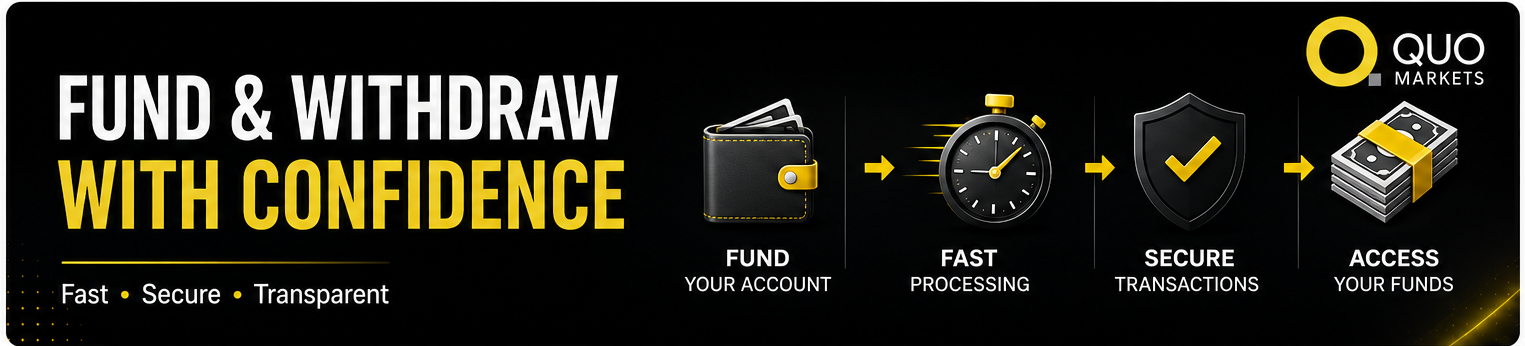
Knowing how money moves through your QuoMarkets account takes one more variable off your plate when you’re focused on trading. The options are solid: cards and e-wallets for speed, bank transfers for larger amounts, and crypto for those who prefer it. Withdrawals are straightforward, the fee structure is transparent, and the same-method return rule is there to protect you.
Before you start trading, spend a few minutes reviewing the deposit and withdrawal policies for your region. It’s a small thing that saves you from surprises later.
Disclaimer: Payment methods, processing times, and availability may vary based on your country of residence and applicable regulations.
FAQs
What’s the minimum deposit at QuoMarkets?
Deposit requirements depend on the selected payment method and are displayed in the QuoMarkets client portal before payment is confirmed.
Are deposits at QuoMarkets secure?
Yes. QuoMarkets uses industry-standard security across all transactions, holds client funds in segregated accounts, and uses a verification process to make sure only you can authorise withdrawals.
Can I withdraw through a different method than the one I deposited with?
Generally, no. Withdrawals go back through the original deposit method as an anti-money laundering requirement. If that’s not possible, contact support; they can help you work through it, though extra verification will likely be involved.
Why is my withdrawal showing as pending?
A pending withdrawal may occur while account verification or routine compliance and security checks are being completed. If your withdrawal remains pending longer than expected, contact QuoMarkets support for assistance.
Can I deposit using someone else’s bank account or card?
No. QuoMarkets generally requires deposits to originate from payment methods registered in the client’s own name to comply with applicable anti-money laundering (AML) requirements.
Can I withdraw money from QuoMarkets using Apple Pay?
Yes. If you’ve previously made a deposit using Apple Pay, you can withdraw funds to the same Apple Pay card through the client portal.